Two pictures, one red, one cyan. Your brain does the rest.
Anaglyph is the oldest trick in 3D and still the cheapest: no screen, no headset, just a pair of coloured lenses and a picture drawn twice. This page explains how it works, where it came from, how to make good ones, and which LookyBox software already uses it.
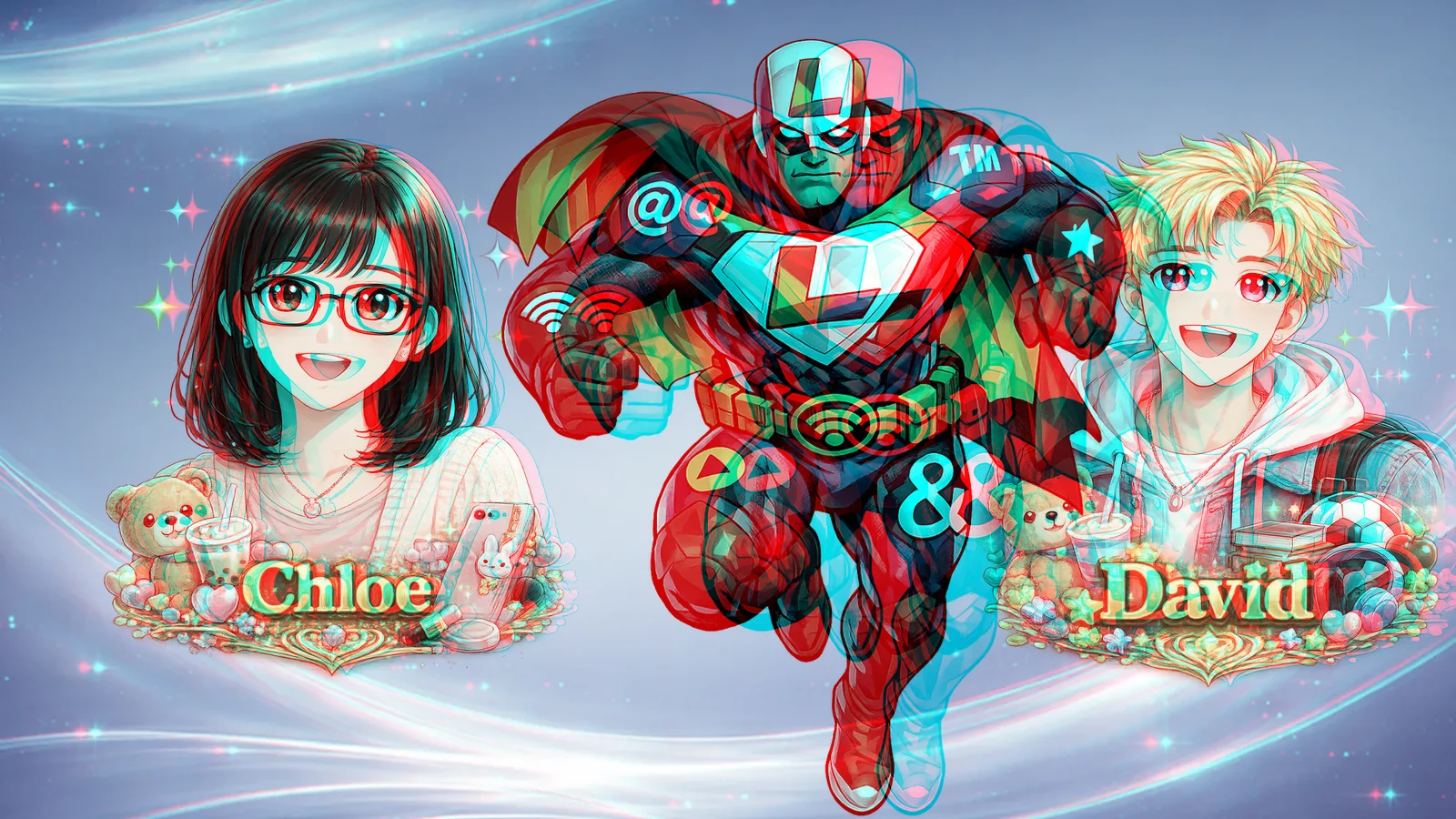
How it works
You see depth because your two eyes sit about 65 mm apart and get slightly different views. Anaglyph delivers a different picture to each eye using colour as the sorting key.
Once from the left eye's position, once from the right. Things close to you shift a lot between the two views. Things far away hardly move.
The left view goes into the red channel of the picture. The right view goes into the green and blue channels, which together look cyan. Both live in one image.
A red lens passes only red light, so the left eye sees only the left view. The cyan lens shows the right eye the right view. Your visual system fuses them, and depth appears.


A short history
Anaglyph predates cinema, television and the computer. Every generation rediscovers it because the glasses cost pennies.
- 1853The first anaglyph
Wilhelm Rollmann in Leipzig shows that two line drawings in complementary colours, viewed through matching coloured glasses, fuse into a single picture with depth.
Rollmann, W. "Zwei neue stereoskopische Methoden." Annalen der Physik, 1853. - 1891It gets its name
Louis Ducos du Hauron patents a way to print the two views in colour on one sheet and calls the result an anaglyph, from the Greek for "carved in relief".
French patent, 1891; the term is his. - 1922The first 3D feature film
"The Power of Love" is shown to a paying audience in Los Angeles with red and green glasses, the first full-length stereoscopic film on record. No print survives.
Widely documented in film history; the film itself is lost. - 1953The 3D comic book
"Three Dimension Comics" ships with paper glasses stapled inside and sells over a million copies, kicking off a short, wild wave of 3D comics drawn on layered acetate sheets.
St. John Publishing, 1953; the technique was developed by Joe Kubert, Norman Maurer and Leonard Maurer. - 1997Mars, in your living room
The Pathfinder lander's stereo camera lets NASA publish anaglyphs of the Martian surface, and newspapers print red/blue glasses so readers can see the rocks in relief.
NASA / JPL Mars Pathfinder image releases, 1997. - 2001The maths gets tidy
Eric Dubois shows how to mix the two views by least squares so that colours ghost less through cheap lenses. His matrix is still the standard starting point for anaglyph software.
Dubois, E. "A projection method to generate anaglyph stereo images." ICASSP 2001.
Anaglyph as art
Because the depth is drawn, not filmed, anaglyph rewards anyone who can plan in layers: comic artists, poster designers, muralists, photographers and kids with two coloured pencils. The rules below are what separate a picture that pops from one that just looks blurry.
Total separation between the two copies should stay under about one thirtieth of the viewing distance. On a laptop at 60 cm that is roughly 20 mm, or 85 pixels. Most of a picture should use far less.
To float in front of the screen, the left eye's copy must sit to the right of the right eye's copy. Swap them and the object sinks behind. Get this backwards and the brain refuses to fuse.
Depth in front of the screen is D·p ÷ (e + p), where D is viewing distance, p the separation on screen and e your eye spacing. With 36 px at 60 cm that is about 7 cm of pop.
A bright red object exists for one eye only, so it flickers between the eyes. Desaturate the picture a little before you split it. Greys, browns, golds and blues fuse best.
Words are easiest to read at zero separation, or a hair in front. Put big depth into shapes and pictures, not paragraphs.
An object that floats in front of the screen must not touch the picture's edge. The frame would then appear to be in front of it, and the illusion collapses.
Make one now
Positive depth comes toward you; negative sinks back. Keep the subject's separation modest, keep the background a little behind, and lower Colour if you see ghosts.
Anaglyph software on LookyBox
Everything here is built by Vision Looky, runs in the browser, and needs nothing but the paper glasses.
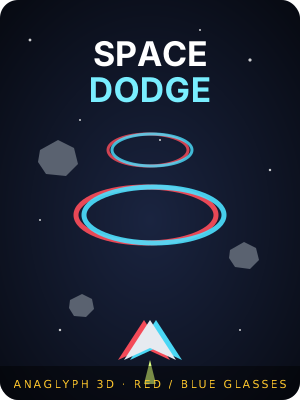 Game · red/blueLooky Space DodgeA 90-second arcade flight through an asteroid field, drawn twice for the two eyes. One hit and the ship is gone. Eye swap and a depth test are built in.See the game →
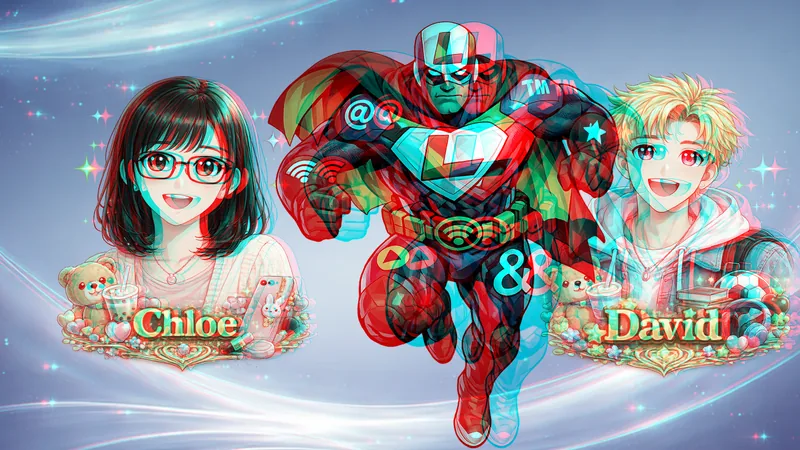 Site feature · free3D glasses modeThe glasses button in the music bar loads any LookyBox page twice, once per eye, and merges them by colour channel. Calibrate depth and swap the lenses from the panel.Turn it on →
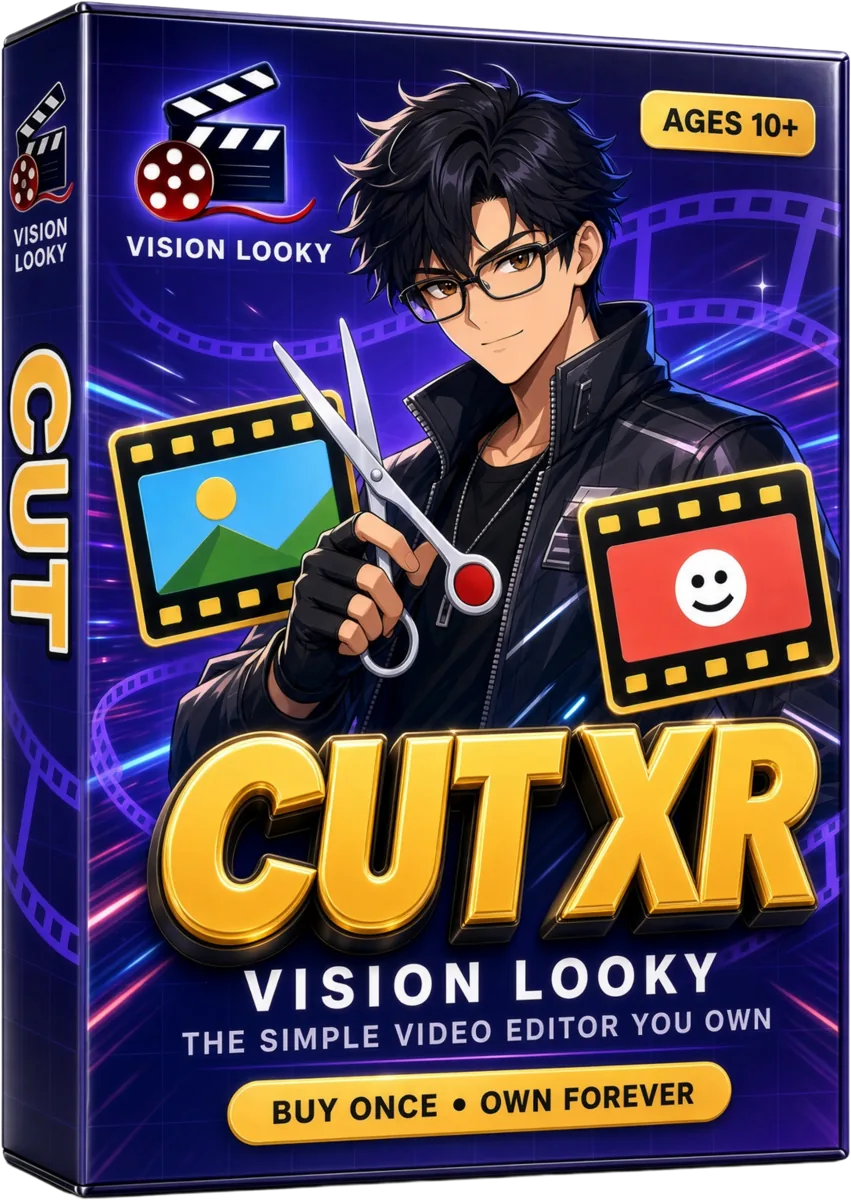 Video editorCut XR by Vision LookyThe cutouts and backgrounds in the maker above are the same sticker and background libraries Cut XR ships with, so an anaglyph poster and a talking video can share the same art.Open Cut XR →
 Not built yetWant a full anaglyph studio?Layers from your own photos, depth per layer, comic panels, print-ready export. If enough people ask, it gets built and sold once, like everything else here.Request it →